How to Compare Your Android App with Competitors Using Appnalyzer


In today’s competitive app ecosystem, knowing how your app performs compared to competitors isn’t just useful; it’s essential. Whether you’re an indie developer, a product manager, or a marketer, understanding key metrics like downloads, ratings, and trends can give you the insights needed to grow your app strategically. That’s where Appnalyzer comes in.
Why Compare Your App with Competitors?
Analyzing competitors helps you:
- Identify growth opportunities and market gaps.
- Understand which features or strategies are driving success.
- Make data-driven decisions to improve app performance.
- Benchmark your app against industry standards.
Without reliable data, you’re essentially guessing, something no app can afford in a crowded market.
Introducing Appnalyzer
Appnalyzer is an easy-to-use tool that provides accurate Google Play Store download counts, app history, trending apps, and detailed comparisons. Its intuitive interface allows developers and marketers to quickly assess both their apps and competitors’ apps, making competitive analysis simple and actionable.
Step-by-Step: Comparing Android Apps with Appnalyzer
1. Navigate to the Compare Dashboard
Before we begin, start by navigating to Appnalyzer's Compare Dashboard: https://appnalyzer.com/compare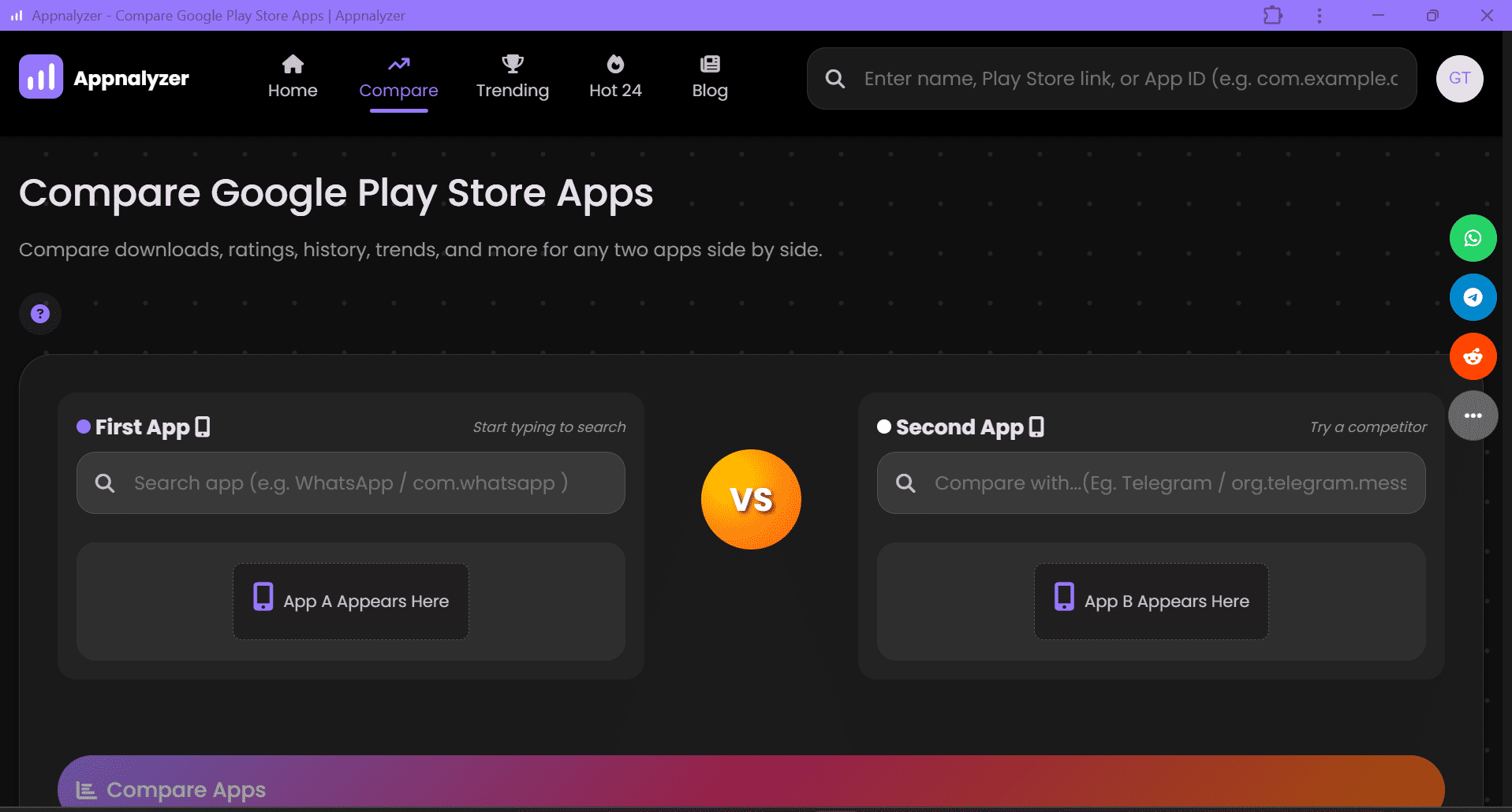
2. Search for the Apps
- Enter the name of your first app in the “First App” field.
- Enter a competing app in the “Second App” field.
- If the data for either app is not current, the dashboard will automatically refresh it. During this update:
1. The Compare Apps button is temporarily disabled.
2. The update usually completes in 1–2 seconds, after which the button is re-enabled.
- Click “Compare Apps” Appnalyzer will display detailed profiles for the selected apps, including download trends, age comparisons, ratings, historical data, and more, all side-by-side.

3. Exploring App Metrics
Key metrics include:
- Leader by Download Count: Shows which app leads in total lifetime downloads and by what percentage
- Download History: Exact counts over time, not estimates.
- Ratings: Understand user sentiment and app quality.
- App Age : Helps gauge how quickly the app is growing.
- Trends: Visualize performance changes over days, weeks, or months.
- Additional Metrics: Access even more data to compare apps effectively.
4. Compare Side-by-Side
You can now compare the app's metrics side-by-side to directly see how your app measures up against competitors. This makes spotting strengths, weaknesses, and growth opportunities quick and straightforward.

5. Make Data-Driven Decisions
With clear insights from Appnalyzer, you can:
- Improve your app’s features or UX based on competitor analysis.
- Adjust marketing strategies to stay ahead.
- Set realistic growth goals informed by real market data.
Why Developers Love Appnalyzer
Start Comparing Play Store Apps Today
Competitive analysis doesn’t have to be complicated. With Appnalyzer, understanding your app’s position in the market is just a few clicks away.


